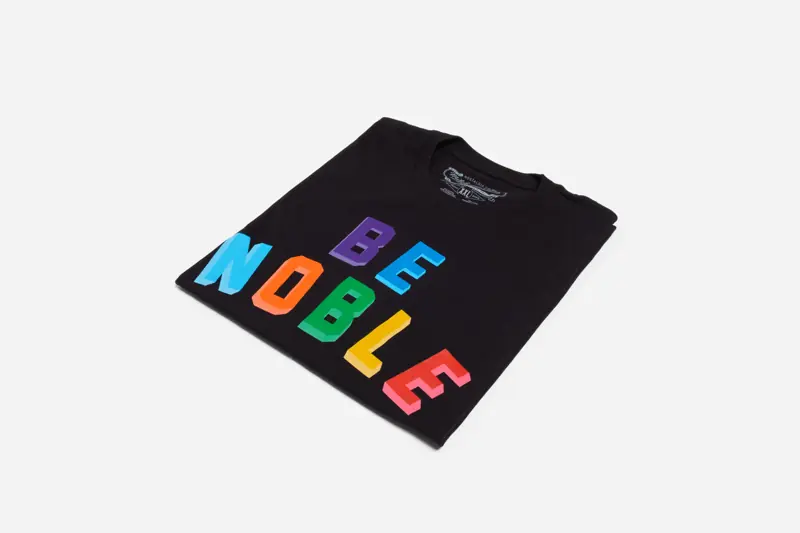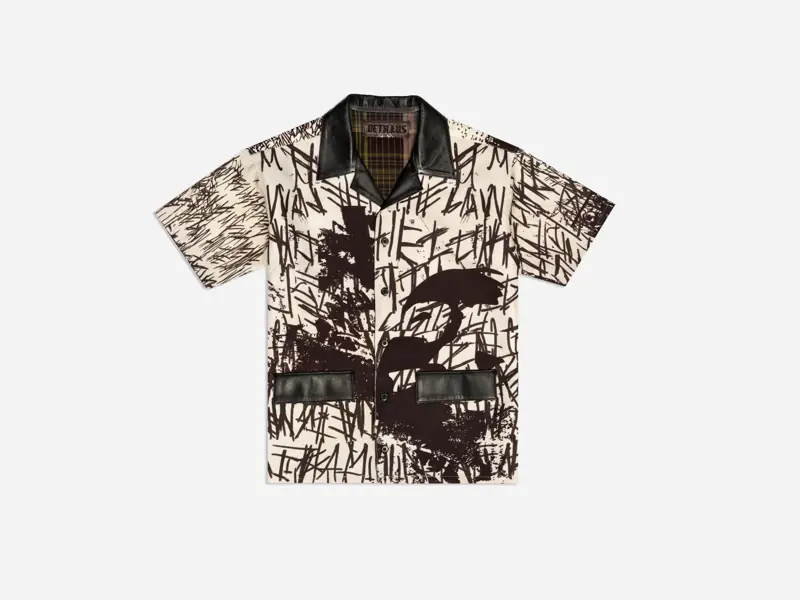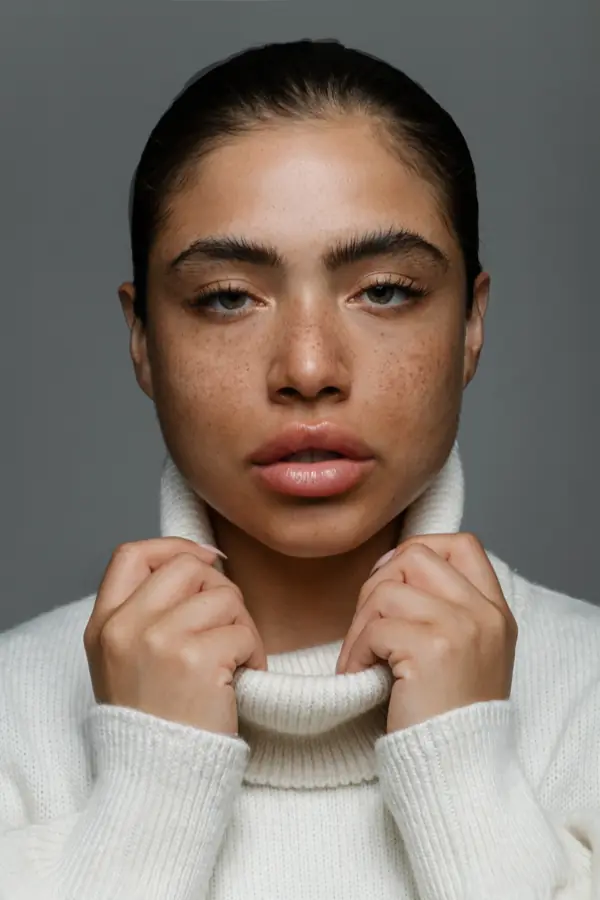
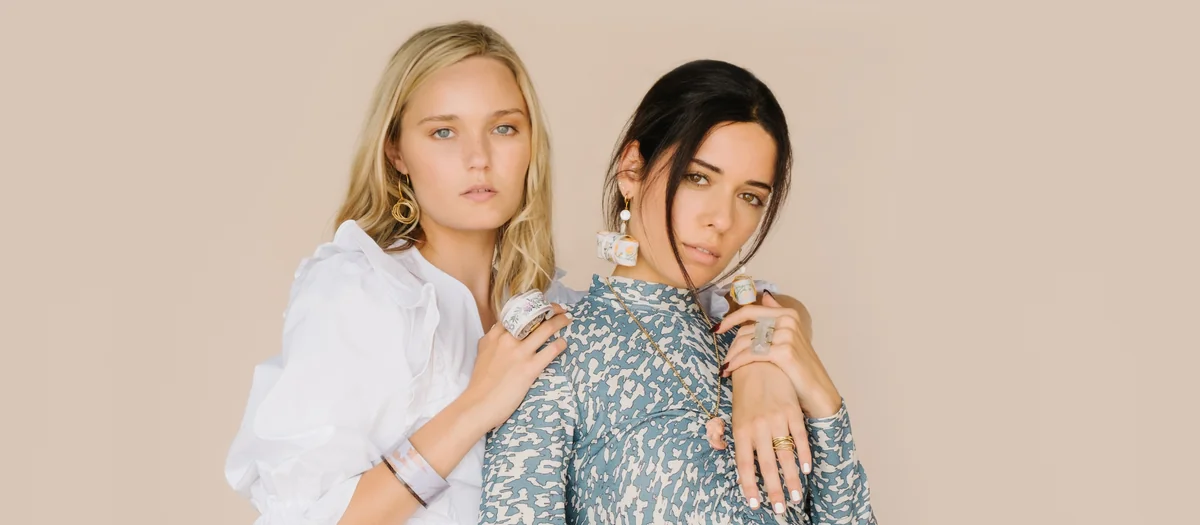
A shopper looking at a jacket on a product page has one question a flat photo can't fully answer: how will this look on me? Where do the shoulders sit? How long is the sleeve? Does the fabric hang or hold its shape? On-model images answer those questions, which is why most apparel brands use them alongside clean flats.
They also involve more people, more decisions and more moving parts than any other kind of e-commerce shoot. A well-planned day produces a tidy, consistent set of images across the whole collection. A loosely planned one produces a pile of nice photos that don't line up on a category page. This post walks through what we ask brands to think about before they book on-model apparel photography with Vidd Studios.
Be clear about what the images need to show
Start with the buyer's doubts, not the photo style. For most clothing, on-model images exist to show:
- Fit. Where a garment sits on the body: shoulder, waist, rise, hem.
- Scale. How big a bag, hat or oversized piece is on a person.
- Movement and drape. How a fabric falls, stretches or holds its shape.
- Styling. How a piece pairs with the rest of a look, which helps sell more than one item.
If an image doesn't help with at least one of these, it probably belongs in a campaign rather than on the product page. For campaign work with more creative direction, see commercial editorial photography.
Planning a shoot in Los Angeles?
Tell us about your products and preferred date and we'll send a full quote.
NOW
Choose your framings
Our on-model e-commerce service covers four framings: full-body, half-body, hands or headshot. For apparel they usually map like this:
- Full-body: the main listing image for dresses, sets, pants and full looks.
- Half-body: tops, jackets and outerwear, where the detail above the waist matters most.
- Hands: pockets, cuffs, waistbands, bags held in hand, and accessories.
- Headshot: hats, eyewear, earrings and necklines.
Pick a standard set per product type, for example full-body front, full-body back and one half-body for every top, and use it for the whole collection.
Count looks, not just products
Brands often plan by SKU count, but on set the real unit is the look: one outfit on one model, shot through the full set of frames. A look might feature one hero product or three. Changing outfits, adjusting styling and checking fit all take time between looks, so the number of looks is a better guide to how long the shoot will take than the number of products.
When you list your products in the request form, note which ones will be shot together, which colorways need their own look, and which items only need flats. Many brands shoot every SKU as a flat and choose a smaller set of hero pieces for on-model images. See Planning a Flat Lay That Sells for that side of the plan.
Write a simple pose and crop guide
Consistency is what makes a category page look professional. A one-page guide does most of the work:
- Poses. A short list, such as straight-on, three-quarter turn, back view and one walking or relaxed pose, used in the same order for every look.
- Crops. Where the frame starts and stops for each framing, for example top of head to just below the feet for full-body.
- Expression. Neutral, soft smile or editorial, and keep it the same across the collection.
- Background. One background for the whole product set, so images sit cleanly side by side.
If you already have a pose guide from earlier shoots, send it with your request. We'll build the day around it so new images match your live store.
Talent, casting and styling
Model casting, hair and makeup, and wardrobe styling depend heavily on the project, so we scope them in your quote rather than publish fixed prices. When you fill out the request form, tell us:
- How many models you have in mind, and whether you already work with specific talent.
- The sample sizes you have, so casting matches the clothes you'll actually bring.
- Whether you want hair and makeup on set, and the look you're after.
- How you plan to use the images: your store, marketplaces, ads, print or social. Usage affects the brief and what you agree with talent.
Model casting, styling and per-look pricing are quoted per project via the form.
Prep fit samples properly
Fit is the whole point of on-model photography, so the samples need to be ready:
- Steam or press every piece, and check for loose threads, marks and missing buttons.
- Bring the size that fits the model you plan to cast, and a backup size if you have one.
- Remove or tuck stickers and hang tags consistently across the collection.
- Label each look and keep its pieces together so changeovers are quick.
Our e-commerce shoot prep checklist has more detail.
Where AI-assisted imaging fits
Some brands want on-model style images for products that don't justify a full model day. With AI-assisted imaging, we photograph your real product and then place it on an AI-generated model or in a generated setting. It's useful for creative variations and hard-to-shoot settings. A real model is still the better choice when customers need to see exactly how a garment fits and moves. Check your marketplace or brand rules about AI-generated imagery before you plan.
Budget and timing: published vs quoted
Here's what's published on our rate card, and what's quoted:
- Retouching, image editing and color grading: $40-$60 per image.
- Turnaround: Standard (8 business days) or Rush (4 business days, rush fee applies).
- Commercial production packages: Half-Day $797 (max 4 hours, up to 500 RAW photographs) and Full-Day $1,997 (max 8 hours, up to 1000+ RAW photographs). These suit campaign-style shoots, and the half-day vs full-day comparison can help you choose.
- On-model e-commerce sessions, models, styling and per-look pricing: quoted per project via the form.
If you're working toward a launch date, leave time for Standard turnaround plus your own review, so you don't need to pay for Rush.
What to put in your request
The Request a Shoot form is the fastest way to a full quote. The more you include, the more accurate it will be:
- Who you are and what you're looking for (on-model e-commerce, flats or both).
- Your list of looks and products, with the framings you need for each.
- A link to your pose guide, moodboard or shot list (Google Drive, Dropbox or WeTransfer).
- Talent and styling needs, and how the images will be used.
- Roughly how many images you want retouched.
- Your turnaround choice, estimated shoot date, and a preferred date and time.
We'll reply with a full quote, which might include an estimate of the production shoot, raw images and final deliverables. Vidd Studios is based in Covina and works with apparel brands across LA County. See the on-model apparel photography page for our gallery and how it works.
Frequently asked questions
What framings are available for on-model e-commerce photos?
Product with model: full-body, half-body, hands or headshot. Most apparel collections use full-body and half-body as their main frames, with hands and headshots for details and accessories.
Do you provide models?
Model casting and styling are quoted per project via the Request a Shoot form. Tell us how many models you need and the sample sizes you have.
How is on-model apparel photography priced?
Per-look pricing is quoted per project via the form. Retouching is $40-$60 per image, and turnaround is Standard (8 business days) or Rush (4 business days, rush fee applies).
Should I shoot every product on a model?
Not always. Many brands shoot every SKU as a flat lay for consistency and choose hero pieces for on-model images to show fit and styling.
Can you match our existing pose guide?
Yes. Share it, or a shot list link, in the request form and we'll build the shoot around it so new images match your current store.