"Do I need retouching?" usually gets the answer "yes." The more useful question is how much, and on which images. Over-editing a catalog wastes budget and can make products look fake. Under-editing leaves dust, uneven backgrounds, and color shifts that make a store look careless. This guide helps you decide image by image.
What retouching covers (and what it doesn't)
Retouching is the editing done after capture to get a photo ready to publish. For product work, the goal is almost always accuracy plus polish: the image should look like the product on its best day, not like a different product.
It's worth separating three things that often get lumped together:
- Basic processing: exposure, white balance, cropping, and export. Nearly every delivered image gets this.
- Retouching: cleaning, correcting, and refining the image, including dust, blemishes, backgrounds, color, and shape.
- Compositing and AI-assisted imaging: combining images, building scenes, or placing a real product photo onto a generated model or setting.
Planning a shoot in Los Angeles?
Tell us about your products and preferred date and we'll send a full quote.
NOW
Three practical levels
Studios name these differently, but the work tends to fall into three tiers.
Light cleanup
- Remove dust, lint, and small specks
- Clean or clip the background to pure white
- Straighten and crop to the spec
- Minor color and exposure balancing
Best for: simple hard goods, alternate angles, and high-volume catalogs where speed matters more than perfection.
Standard ecommerce retouching
Everything in light cleanup, plus:
- Remove scratches, fingerprints, and surface flaws
- Smooth wrinkles and fix puckers in apparel
- Make color match the physical product, and match it across variants
- Even out labels, seams, and edges
- Add or tidy shadows for a grounded look
Best for: hero images, bestsellers, beauty packaging, apparel, and anything shown large on a product page.
Advanced and composite work
Everything above, plus:
- Focus stacking for macro and jewelry detail
- Blending exposures for reflective items
- Removing or replacing elements, such as stands or clips
- Building multi-product group shots from separate captures
- Placing the product into a new background, or onto an AI-generated model
Best for: campaign imagery, jewelry and glassware, complex sets, and lifestyle scenes that would be costly to shoot for real.
How to decide, image by image
You don't need one level for the whole shoot. A cost-effective approach is to match the level to how the image will be used:
| Image use | Suggested level |
|---|---|
| Collection grid / main image | Standard |
| Alternate angles | Light or standard |
| Macro / detail | Standard or advanced |
| Homepage, ads, campaigns | Advanced |
| Marketplace bulk listings | Light, with a clean white background |
Two questions help: How large will this image appear? How closely will a shopper look at it? A hero image that fills a phone screen deserves more time than the fourth thumbnail in a gallery.
Product-specific considerations
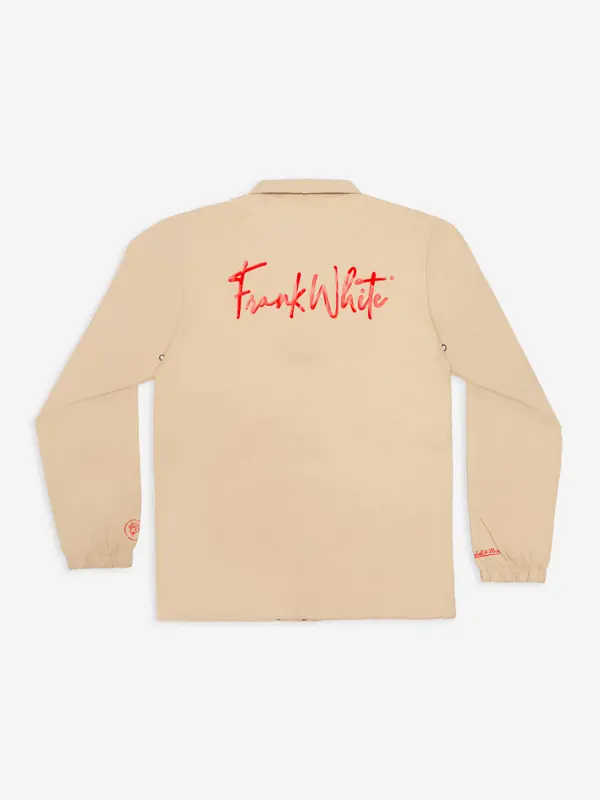
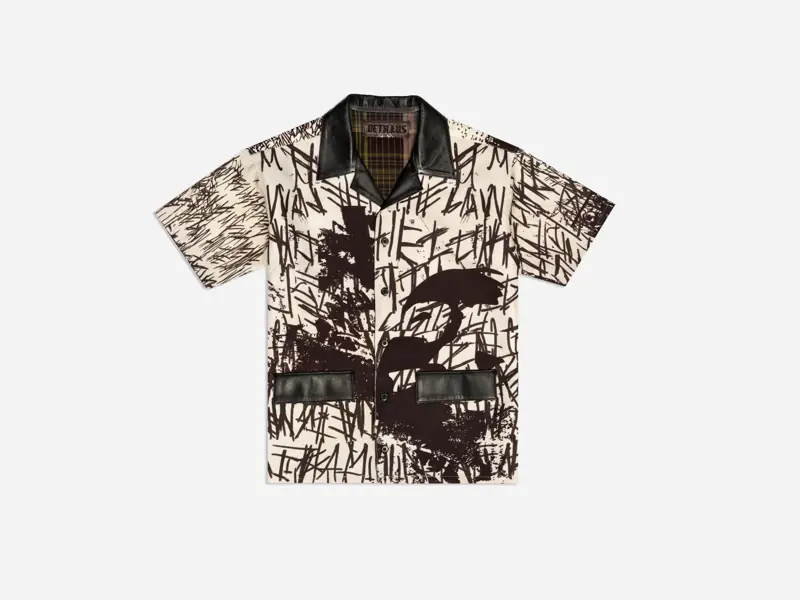
- Apparel: wrinkle and lint cleanup, matching color across colorways, and consistent shape between sizes.
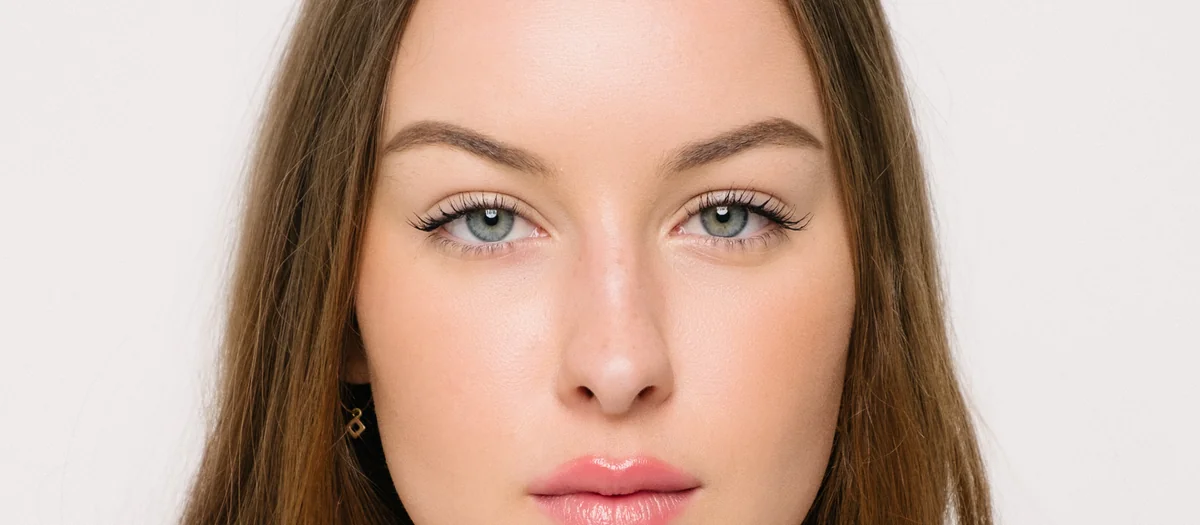
- Beauty: glass dust, label cleanup, cap scratches, and above all accurate shades. See our cosmetics photography guide.
- Jewelry: the most detailed work, including dust at macro scale, metal tone, and focus stacks. See our jewelry shot list.
- Flat lays: aligning items, fixing gaps, and keeping the background even across a large surface.
Honesty limits
Retouching should never misrepresent what the customer gets. Removing dust, a stray thread, or a reflection of the camera is fair. Changing a product's color, hiding a design feature, or making a stone look higher quality is not. It invites returns and erodes trust. Some marketplaces also require images to reflect the product accurately. Amazon, for example, requires that images accurately represent the product (see our Amazon checklist).
Writing retouching notes that work
Clear direction is the easiest way to avoid rounds of revisions. For each image or batch, include:
- Level: light, standard, or advanced
- Output spec: dimensions, aspect ratio, file format, and background color
- Color reference: the physical product, a Pantone value, or an approved earlier image
- Shadows: none, natural, or a drop shadow
- Must-keep details: textures, logos, or features that shouldn't be smoothed away
- Examples: a before/after you liked from a past project
Markup directly on a proof (circled areas with short notes) beats long emails.
Where AI fits
AI tools have sped up routine tasks like background removal and masking, and they make some scenes possible without a location shoot. At Vidd Studios, our AI-assisted imaging always starts with a real photograph of your product. We then place it on an AI-generated model or in a generated setting, and a retoucher checks that the product itself stays accurate. Learn more in our AI-assisted imaging guide.
Pricing and turnaround at Vidd Studios
We price retouching per image, at $40–$60 depending on complexity. Standard turnaround is 8 business days, and rush is 4 business days. Our half-day and full-day shoot packages include RAW files (up to 500 on a half day, 1,000+ on a full day), so you can choose which frames to send for retouching instead of paying to edit everything. See the retouching and AI imaging page for details, or what product photography costs in LA for the full budget picture.
A quick decision checklist
- [ ] List every image by use: grid, gallery, detail, or campaign
- [ ] Assign a level to each, not one for the whole shoot
- [ ] Confirm the output specs for each platform
- [ ] Gather color references for every variant
- [ ] Mark the details that must be kept
- [ ] Choose standard or rush turnaround based on your launch date
Frequently asked questions
Do all product photos need retouching?
Nearly every image benefits from basic processing and dust cleanup. How much more depends on how large the image will be shown and how complex the product is.
What's the difference between retouching and editing?
Editing usually means global adjustments like exposure, color, and crop. Retouching is detailed, local work such as removing flaws, fixing shapes, and cleaning backgrounds.
How much does product photo retouching cost at Vidd Studios?
$40–$60 per image depending on complexity, with standard (8 business days) or rush (4 business days) turnaround.
Can retouching change my product's color?
It should correct color so it matches the real product, not change it. Accurate color helps prevent "not as pictured" returns.
Is AI retouching as good as manual retouching?
AI speeds up tasks like masking and background removal, but a human check is still important for accuracy, especially for color, fine detail, and reflective items.